QuickBooks has become the de facto standard for restaurant and food truck accounting — for good reason. Properly configured and consistently used, QuickBooks gives you real-time visibility into your financial performance, simplifies tax preparation, and helps you make better decisions. Here’s how to use it effectively.
Set Up Your Chart of Accounts Specifically for Food
QuickBooks’ default chart of accounts is generic. Customize it for your food business by adding specific income accounts (food sales, beverage sales, catering revenue), specific cost of goods sold accounts (food cost, beverage cost, packaging), and detailed expense accounts that reflect your actual cost structure.
Connect Your POS System
Most restaurant POS systems — Square, Toast, Clover, Lightspeed — offer QuickBooks integration. This connection automatically imports daily sales data into QuickBooks, eliminating manual entry and reducing error. Set up this integration on day one and you’ll have a running record of every transaction without additional work.
Track Inventory Through QuickBooks
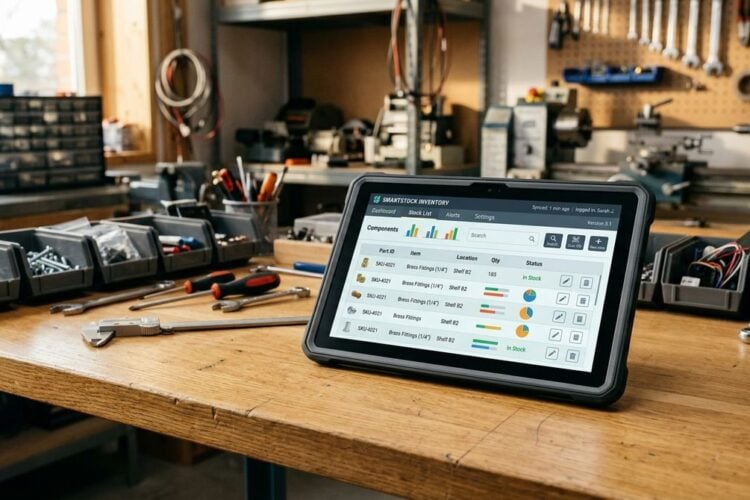
QuickBooks Online’s inventory tracking features let you monitor your food and beverage inventory, calculate cost of goods sold automatically as you sell, and identify when you need to reorder. Readers may also want to visit lonestarborger.com.
Process Payroll Through QuickBooks Payroll
QuickBooks Payroll integrates seamlessly with QuickBooks accounting. It calculates employee wages, handles payroll taxes, manages tipped employee reporting, and simplifies the quarterly and annual payroll tax filings that are required for any business with employees.
Create and Send Catering Invoices
If your food business does catering or wholesale, QuickBooks’ invoicing feature lets you create professional invoices, track which invoices are paid and outstanding, and send payment reminders automatically. This professional presentation matters for building relationships with corporate catering clients and retail buyers.
Reconcile Monthly Without Fail
Monthly bank reconciliation — matching your QuickBooks records to your actual bank statement — catches errors, identifies unauthorized charges, and ensures your financial records are accurate. This process takes 15–30 minutes and is non-negotiable for financial accuracy.
Run Key Reports Weekly
QuickBooks generates the reports you need to manage your food business: Profit & Loss (weekly and monthly), Balance Sheet, Cash Flow Statement, and Accounts Receivable Aging. Review your P&L weekly to catch cost variances before they become major problems.
Manage Multiple Revenue Streams
You can also visit Angelos Epoxy Flooring for more reading.
Prepare for Taxes Year-Round
The biggest QuickBooks benefit at tax time is having organized, categorized financial records ready for your accountant. This saves accounting fees and ensures you capture every deduction. Provide your accountant with your QuickBooks file at year-end and your tax preparation becomes dramatically simpler.
Build Financial Intelligence Over Time
As Eat Well and Live Long teaches — consistent monitoring and adjustment is what creates lasting health. Your QuickBooks data, used consistently over time, builds the financial intelligence to see trends, anticipate challenges, and make the proactive decisions that keep your food business financially healthy year after year.